Photress Recovery for macOS
A separate, signed app for the day you need to recover a backup outside Photress on iPhone.
- Recovery stays on your Mac
- The source backup is not changed
- Signed with Developer ID · Notarized by Apple
 Photress
Open a Photress backup and export your photos and videos to a folder you choose. Recovery runs locally on your Mac—without a Photress account or server.
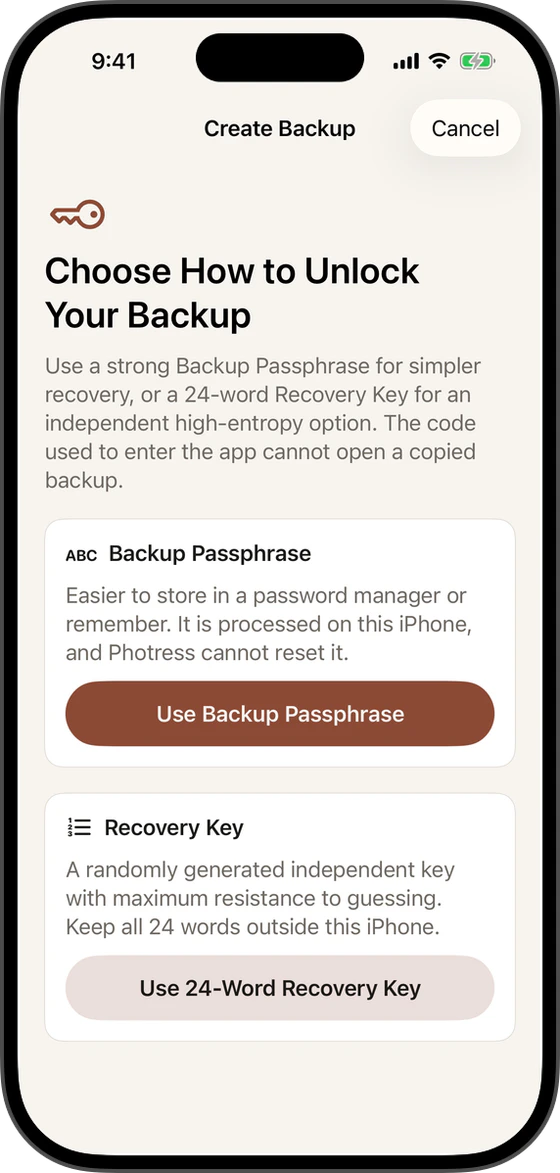
You choose the backup, unlock it with the recovery credential created in Photress, review the available snapshots and export the one you need.
Unzip the download and double-click Photress Recovery. macOS verifies its Developer ID signature and Apple notarization when you open it.
Select the .photress package in Finder, iCloud Drive or an external drive. If it is stored in the cloud, download it to the Mac first.
Use the Backup Passphrase or 24-word Recovery Key created for that backup. This credential is processed only on your Mac.
The app checks the package, shows the available snapshots and exports the one you select to a new folder. The original backup remains untouched.
Version 1.1.0 is signed with Developer ID and notarized by Apple. The published SHA-256 belongs to this exact ZIP; the archive also includes the V1 format specification, synthetic fixtures and third-party notices.
7a7197b5ab0efc3a9fa2d8cc11d3590021f6b3b570e2d2726dfd566b942f4fd5